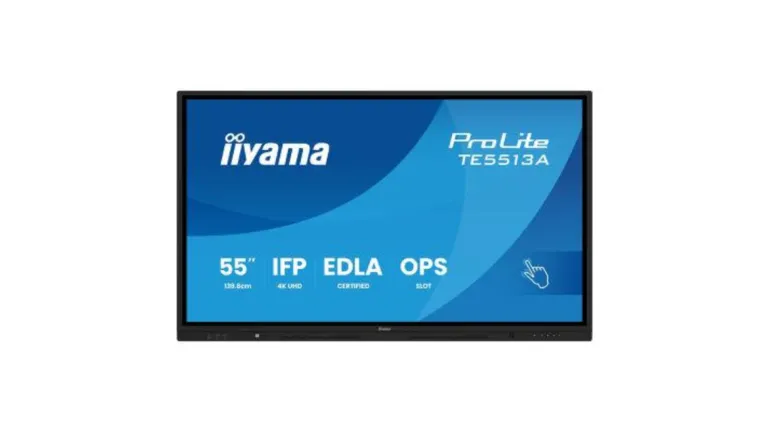
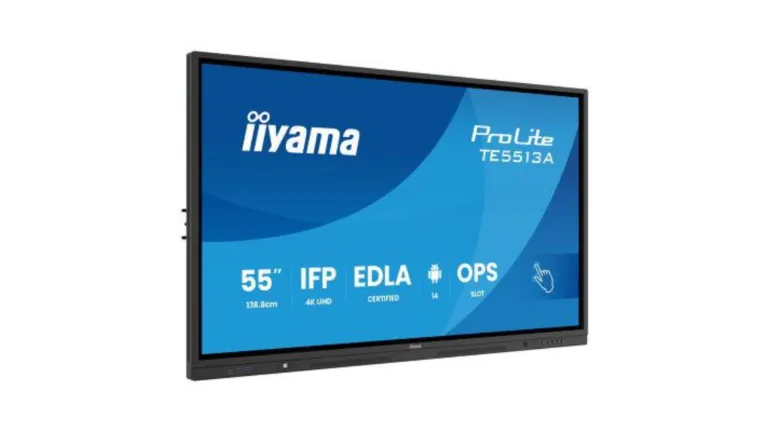
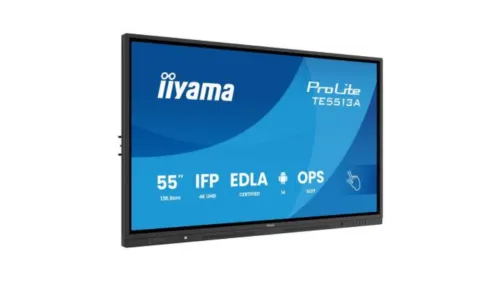
iiyama ProLite 4K Interactive Whiteboard for Education and Business
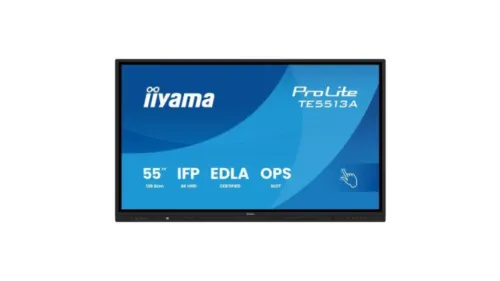
The iiyama interactive whiteboard range gives schools, colleges, universities, meeting rooms and training spaces a cost-effective branded touchscreen solution for teaching, presenting, annotation and collaboration. Based on the iiyama ProLite TE13A Series interactive display, this 4K touchscreen range combines built-in whiteboarding tools, wireless screen sharing and Google EDLA-certified Android functionality.
Designed for education and enterprise use, the iiyama ProLite digital whiteboard is available in 55″, 65″, 75″, 86″ and 98″ screen sizes, making it suitable for classrooms, lecture theatres, boardrooms, training rooms and larger collaboration spaces. It is a strong option for organisations looking for a practical interactive digital whiteboard without moving straight to a higher-cost premium education brand.
The TE13A Series includes Android 14 with iiWare 21E, Google EDLA certification, PureTouch-IR+ touch technology, palm rejection, Zero-Gap Air Bonding, iiShare wireless presentation and iiControl device management, helping users write, present, share and collaborate directly from the screen.
Interactive Whiteboard Touchscreen for Classrooms and Meeting Rooms
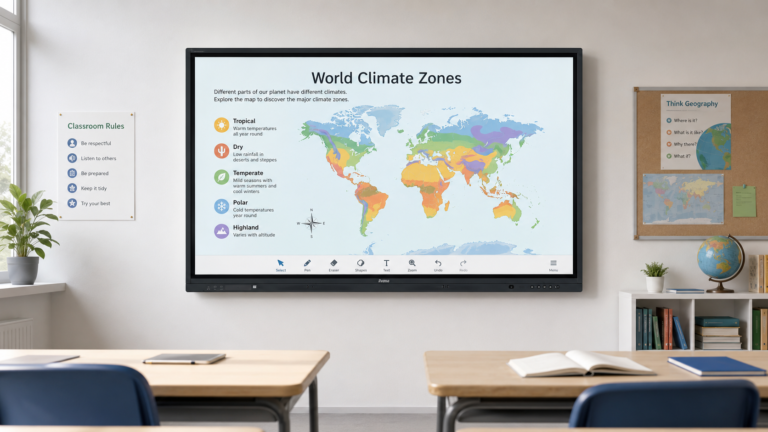
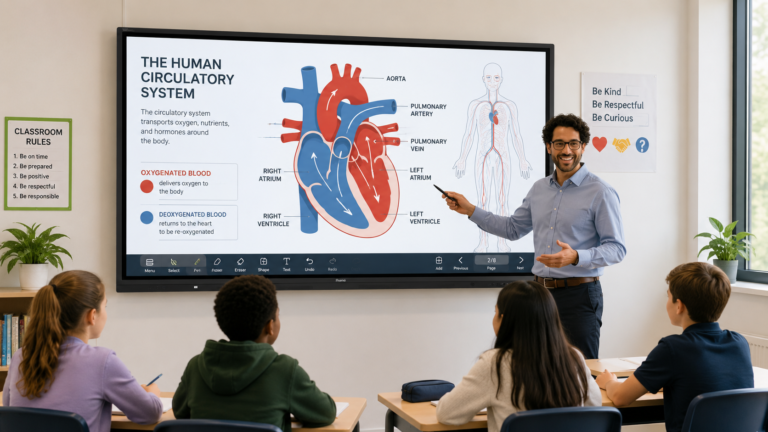
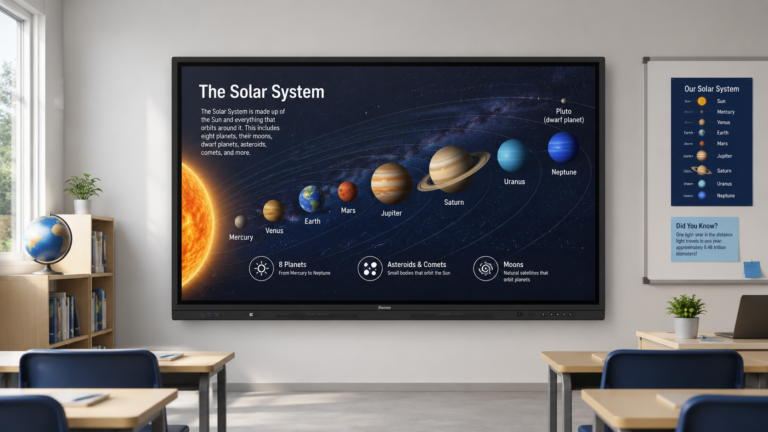
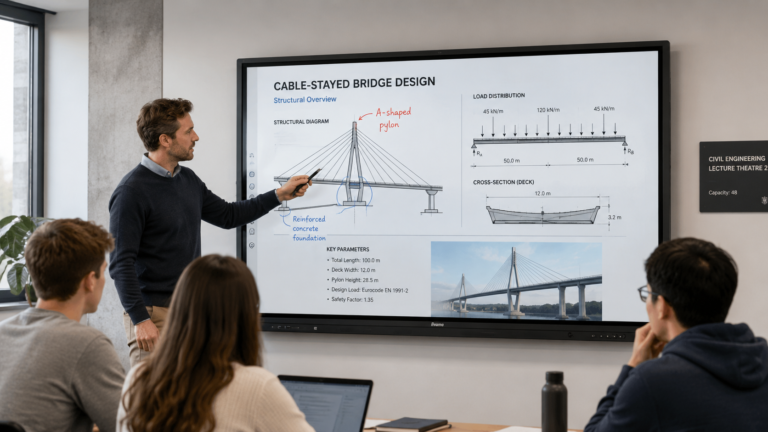
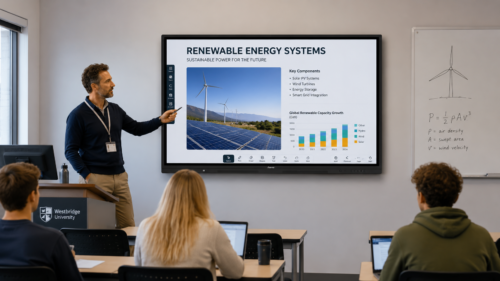
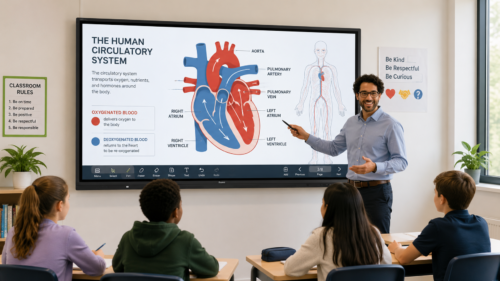
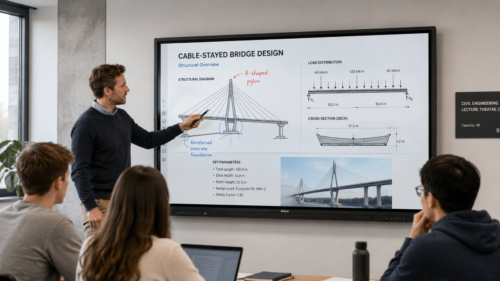
The iiyama ProLite TE13A Series is built for everyday interactive whiteboard use in real teaching, meeting and training environments. Users can write directly on screen, annotate documents, open web content, share devices wirelessly and run collaborative sessions from the display itself.
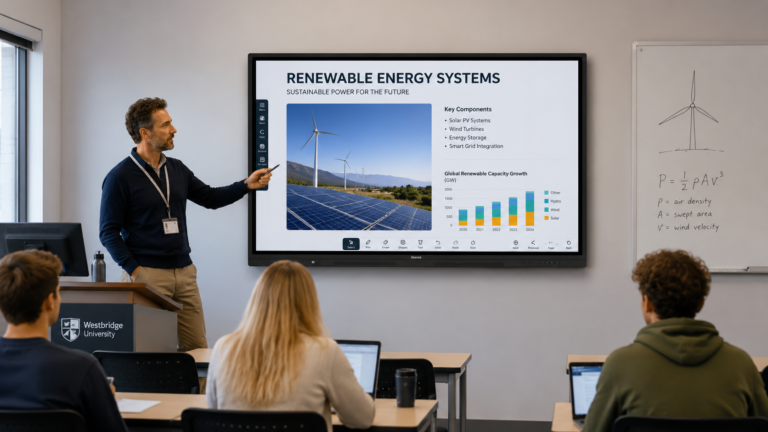
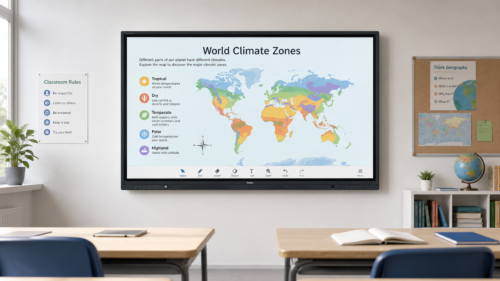
For schools and training providers, this makes the screen suitable for lessons, group activities, presentations, workshops and hybrid learning. For business users, it works well in meeting rooms, boardrooms and collaboration spaces where teams need a large interactive screen for ideas, planning, video meetings and shared content.
4K UHD Display Quality for Clear Teaching and Presentations
Each iiyama interactive whiteboard uses a 4K Ultra HD display with 3840 x 2160 resolution, giving sharp image quality for text, diagrams, video, presentations and detailed teaching content. The large screen sizes help make lesson material, meeting notes and shared documents easier to see from different positions in the room.
The TE13A Series includes anti-glare glass to help reduce reflections in classrooms, offices and brightly lit spaces. Zero-Gap Air Bonding helps reduce parallax between the glass and LCD panel, creating a more natural writing and annotation experience.
With up to 500 cd/m² brightness, wide viewing angles and 4K image detail, the range is well suited to everyday classroom teaching, business presentations and collaborative working.
Responsive Touch for Writing, Annotation and Collaboration
iiyama PureTouch-IR+ technology supports accurate multi-touch interaction, allowing several users to work on the screen at the same time. This is useful for group learning, brainstorming sessions, team planning and collaborative workshops.
The display supports up to 40 touch points, with palm rejection, stylus input and finger touch support. This gives teachers, presenters and meeting room users a natural way to write, draw, highlight and control content on screen.
The included touch tools and smooth writing surface make the iiyama ProLite digital whiteboard suitable for everyday classroom teaching, business presentations and interactive training sessions.
Google EDLA Certified with Android 14 and iiWare 21E
The iiyama ProLite TE13A Series is Google EDLA Certified, giving users access to Google apps, accounts, files and collaboration tools directly from the display. This is particularly useful for schools, colleges and organisations already using Google Workspace or cloud-based teaching and productivity tools.
The built-in iiWare 21E platform runs on Android 14 and includes useful tools such as WhiteBoard, iiBrowser, file manager, cloud drive access, iiShare wireless presentation and iiControl device management. This allows many teaching, presentation and collaboration tasks to be carried out without always needing a separate PC connected to the screen.
For organisations using Microsoft 365, Google Workspace or a mixture of devices, the iiyama TE13A range provides a flexible platform for screen sharing, cloud access and everyday collaboration.
Wireless Screen Sharing and Flexible Connectivity
The iiyama interactive whiteboard range supports wireless screen sharing, making it easier for users to present from laptops, tablets and mobile devices. This is useful in classrooms, training rooms and meeting rooms where different users need to share content quickly without swapping cables.
Extensive connection options include HDMI, DisplayPort, USB-C, USB-A, LAN, RS-232 and OPS slot support. USB-C connectivity can support video, touch, data and power through a single cable, helping simplify everyday use and reduce cable clutter.
Integrated Wi-Fi 6E and Bluetooth 5.0 connectivity help support modern teaching, presenting and collaboration workflows.
Device Management for Schools, Colleges and Organisations
For larger organisations, iiControl device management software helps IT teams manage compatible iiyama displays more efficiently. This can be useful for schools, colleges, universities, public sector sites and businesses with multiple screens across different rooms or buildings.
The TE13A Series also includes features such as PIR motion sensing, ambient light sensing, shortcut buttons and OPS support, helping improve day-to-day usability, energy efficiency and integration with existing AV or IT systems.
Built for Everyday Classroom and Meeting Room Use
The iiyama ProLite TE13A interactive whiteboard range is available for demanding education and professional environments. The screens include a robust black frame, fanless operation, front-facing speakers, integrated subwoofer and support for optional OPS PC integration.
Wall mount and webcam bracket options help make the displays suitable for classrooms, lecture rooms, training suites, boardrooms and hybrid meeting spaces. Optional accessories may also be available depending on the screen size and installation requirement.
iiyama Interactive Whiteboard Key Features
- iiyama ProLite TE13A Series interactive digital whiteboard range
- Available in 55″, 65″, 75″, 86″ and 98″ screen sizes
- 4K Ultra HD resolution, 3840 x 2160
- Google EDLA Certified
- Android 14 with iiWare 21E
- Integrated WhiteBoard software, iiBrowser, file manager and cloud drive access
- PureTouch-IR+ touch technology
- Up to 40 touch points
- Palm rejection for smoother writing and annotation
- Zero-Gap Air Bonding to help reduce parallax
- Anti-glare glass for improved visibility in bright rooms
- Wireless screen sharing with iiShare and EShare
- iiControl device management system
- Wi-Fi 6E and Bluetooth 5.0 connectivity
- USB-C connectivity with power delivery
- HDMI, DisplayPort, USB, LAN and OPS slot connectivity
- Front-facing speakers with integrated subwoofer
- PIR motion sensor and ambient light sensor
- Fanless design for quiet operation
- Wall mount and webcam bracket available depending on model and package
Applications
- School classrooms
- Colleges and universities
- Lecture theatres and seminar rooms
- Corporate meeting rooms
- Boardrooms and presentation suites
- Training rooms and conference facilities
- Hybrid learning and remote collaboration spaces
- Public sector meeting rooms
- Healthcare training and presentation areas
- Multi-site organisations needing managed touchscreen displays
iiyama ProLite TE13A Screen Sizes
The iiyama ProLite TE13A interactive whiteboard range is available in multiple screen sizes to suit different room types, audience sizes and viewing distances:
- 55″ iiyama ProLite TE5513A-B2AG
- 65″ iiyama ProLite TE6513A-B2AG
- 75″ iiyama ProLite TE7513A-B2AG
- 86″ iiyama ProLite TE8613A-B2AG
- 98″ iiyama ProLite TE9813A-B2AG
For smaller meeting rooms or classrooms, the 55″ and 65″ models may be suitable. For larger classrooms, training rooms, lecture spaces and boardrooms, the 75″, 86″ or 98″ models can provide stronger visibility and a more immersive collaborative experience.
Education and Business Pricing Available on Request
iiyama ProLite digital whiteboard pricing can vary depending on screen size, availability, quantity, installation requirements and project details. For education, public sector and business enquiries, W&Co can advise on the most suitable screen size and request current pricing where applicable.
You can also compare this model with our wider range of digital whiteboard touchscreens, Promethean interactive whiteboards and SMART Board digital whiteboards.
For advice on the best screen size, specification or installation option, please contact W&Co.
iiyama Interactive Whiteboard FAQs
Is the iiyama ProLite suitable as a digital whiteboard?
Yes. The iiyama ProLite TE13A Series is an interactive display that can be used as a digital whiteboard in classrooms, meeting rooms, training spaces and collaborative work areas. It includes built-in whiteboarding tools, touch interaction, annotation features and wireless screen sharing.
What screen sizes are available?
The iiyama ProLite TE13A Series is available in 55″, 65″, 75″, 86″ and 98″ screen sizes, allowing organisations to choose a display size suitable for smaller meeting rooms through to larger classrooms, lecture rooms and boardrooms.
Does the iiyama interactive whiteboard include Google apps?
The TE13A Series is Google EDLA Certified, allowing access to Google apps, accounts, files and collaboration tools directly from the display. This makes it useful for schools and organisations using Google Workspace or cloud-based workflows.
Can users write directly on the screen?
Yes. The screen supports touch, stylus input and palm rejection, allowing users to write, draw, annotate and control content directly on the display.
Can the iiyama interactive whiteboard be used without a PC?
Yes. The built-in iiWare 21E platform includes Android 14, WhiteBoard, iiBrowser, file manager, cloud drive access and wireless sharing tools, so many everyday tasks can be carried out directly from the screen. External PCs and optional OPS PC modules can also be used where required.
Is the iiyama ProLite suitable for meeting rooms?
Yes. The iiyama ProLite digital whiteboard is suitable for meeting rooms, boardrooms and training rooms where users need a large 4K touchscreen for presentations, annotation, video meetings, planning sessions and wireless content sharing.
Why choose iiyama instead of another interactive whiteboard brand?
iiyama is a strong option for organisations looking for a branded, cost-effective digital whiteboard with 4K image quality, Google EDLA certification, Android 14, wireless sharing, device management and a wide range of screen sizes. It can be a practical choice for schools, training rooms and businesses where value and functionality are both important.